file security10 min
How to Check a File Before You Open It
Use provenance, real file type, hashes, macros, and malware scanning as layers of evidence—without mistaking a clean result for proof of safety.
Read more→Inspect file type, extension mismatches, Office macro indicators, PDF actions and SHA-256 locally. A heuristic review, not an antivirus verdict.
Processing: local in your browser
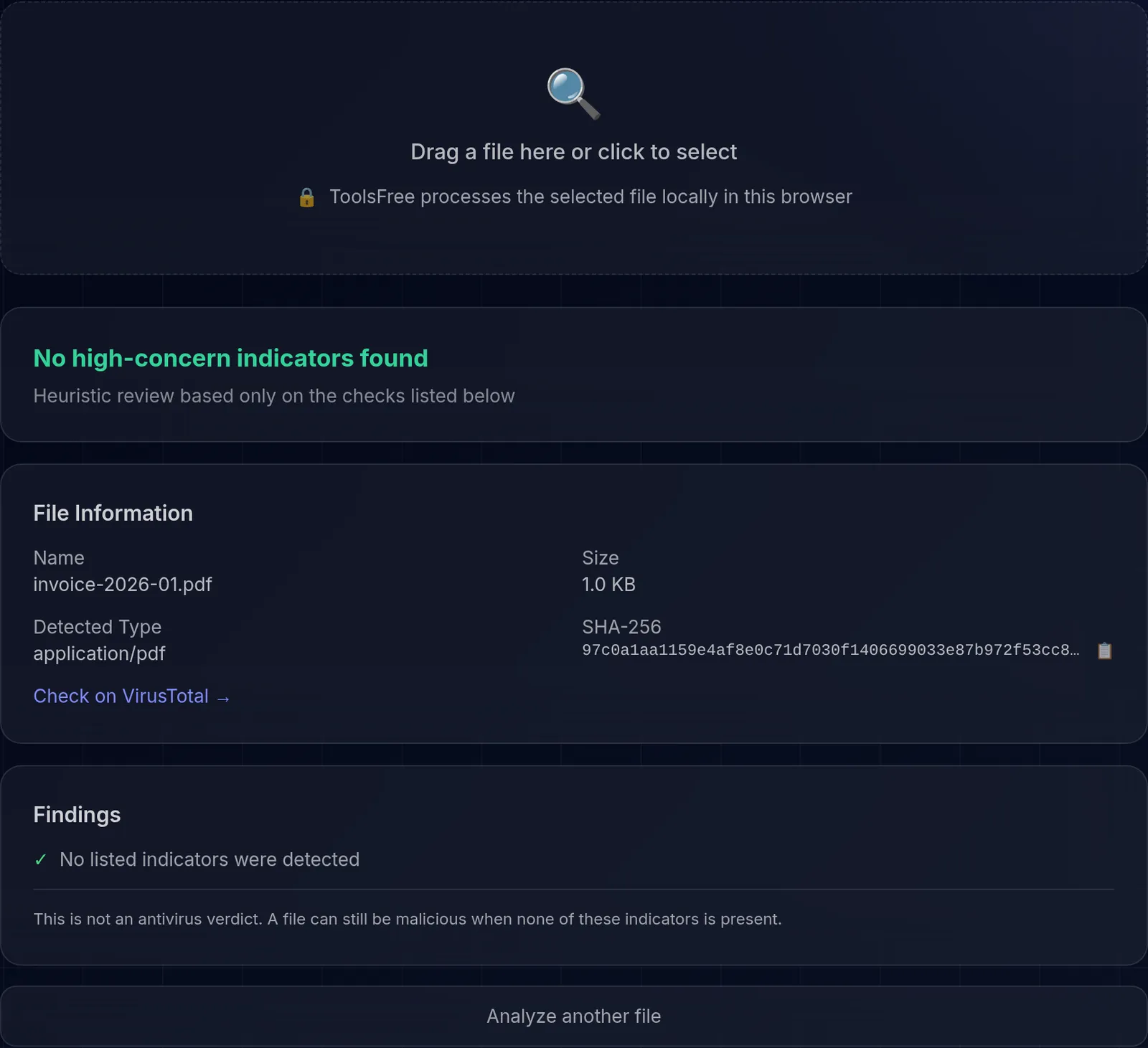
This tool applies specific heuristic checks before you open a file. Analysis runs in the browser and does not upload the file content to ToolsFree, but it does not replace antivirus scanning or prove that a file is safe.
We compare magic bytes with the declared extension, flag executable extensions, look for Office macro indicators and embedded PDF JavaScript, and calculate the SHA-256 hash. Each result describes an observable signal; it is not a malware verdict.
A warning needs further investigation. A result with no warnings means only that these checks found no listed signal; an unknown malicious payload may still be present. Verify the source, compare a published signature or hash, and scan untrusted files with current endpoint protection or in an isolated environment.
Avoiding an upload to ToolsFree reduces exposure, but the device, browser, extensions, and the place where you store or share the result remain part of the file's security boundary.
A file's extension (.pdf, .jpg, .exe) is just a label in the name and can be changed without altering the contents. Magic bytes, by contrast, are the actual first bytes of the file and identify its real format. When the extension claims one thing but the magic bytes say another, that is a warning sign: for example, a file named invoice.pdf that is actually an executable. This tool compares the two to catch that mismatch, though a match does not guarantee the file is harmless.
If a file raises a warning or comes from a source you do not control, do not just open it. Verify the sender through another channel, compare the SHA-256 hash with the one published by the official source, and scan it with current antivirus. For the most sensitive cases, open it in an isolated environment, such as a virtual machine or a cloud viewer, where any damage stays contained. When in doubt, deleting it is usually safer than taking the risk.
Learn more with related in-depth guides and tutorials.
Use provenance, real file type, hashes, macros, and malware scanning as layers of evidence—without mistaking a clean result for proof of safety.
Read more→Inspect location, author, software, and document-history metadata before sharing a file, and understand what removal tools may leave behind.
Read more→Learn how browser speed tests measure transfers, why results vary, and how to run repeatable comparisons without treating one result as an ISP guarantee.
Read more→